
Smart Wallet App overview
A neutral look at how the Smart Wallet experience is usually presented to users in India.
Access model
Many users open Smart Wallet through a mobile browser (H5) link rather than only a Play Store package. Always prefer links from sources you trust.
Core screens
Home, order lists, wallet/mine, team and support-style areas appear in public screenshots. Labels and numbers change over time.
Opening the app
Use the button below to open the access link associated with this guide. This website does not host the application binary itself.
Note: We do not claim this is the only possible entry point, and we cannot control third-party page content after you leave smartwallet-in.in.
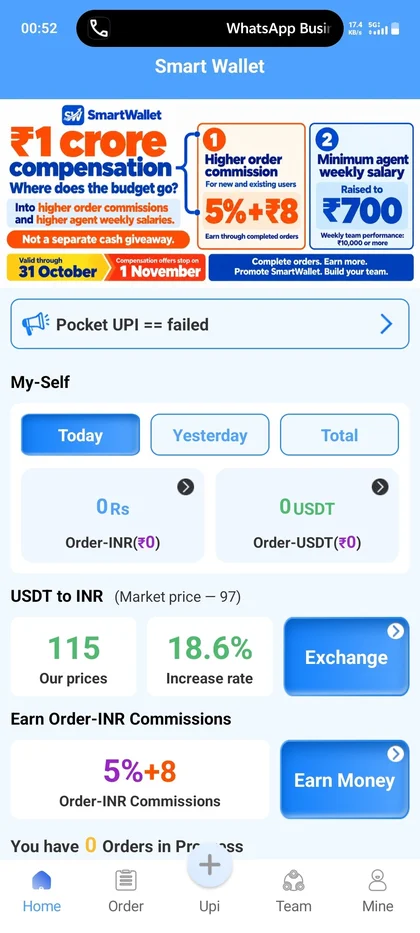 Home
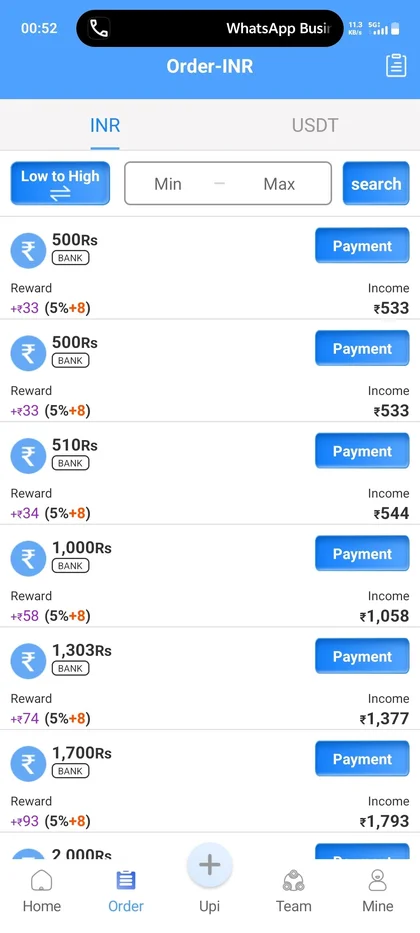 Orders
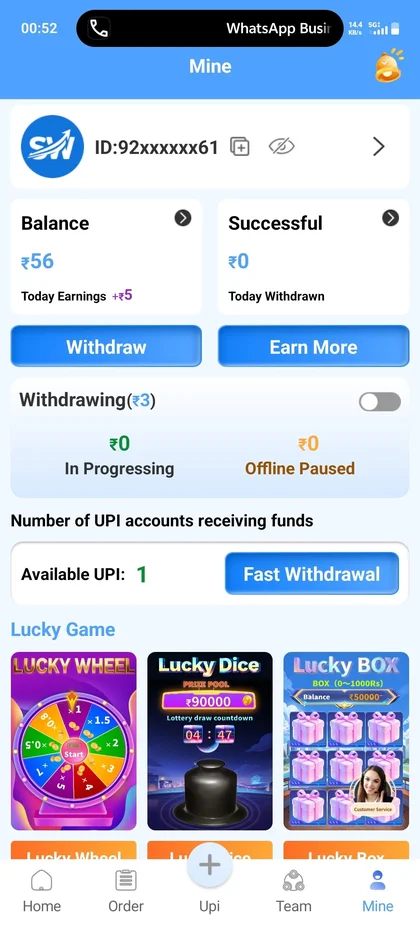 Mine